Skills Assessment
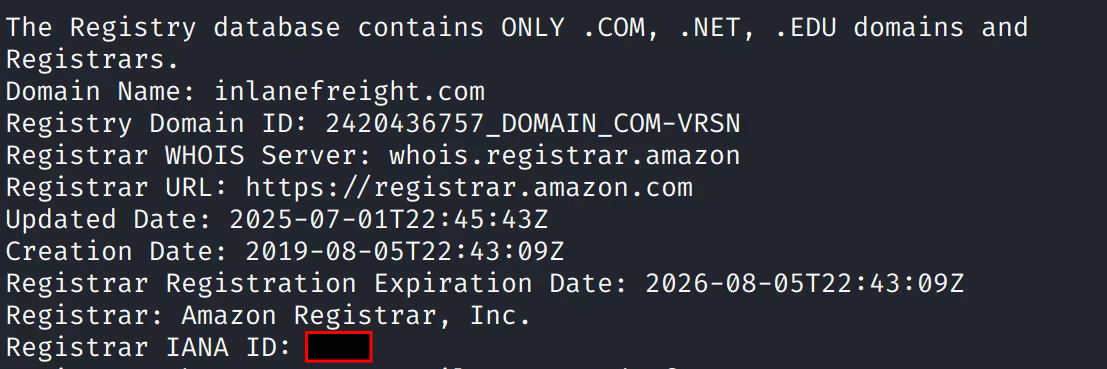
Question 1: What is the IANA ID of the registrar of the inlanefreight.com domain?
A simple whois command will show this:
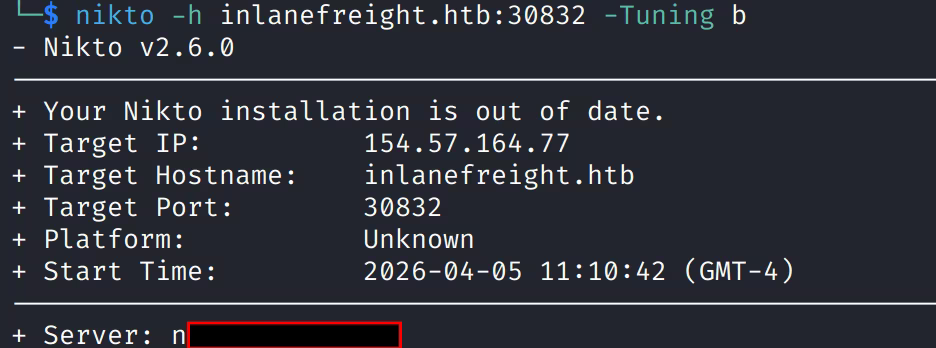
Question 2: What http server software is powering the inlanefreight.htb site on the target system?
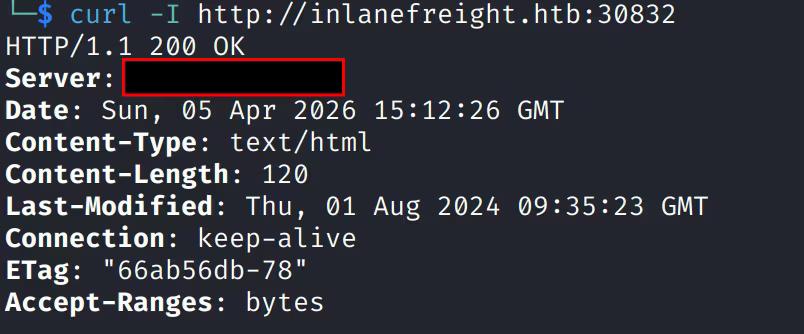
Respond with the name of the software, not the version, e.g., Apache.
Running a nikto scan shows the server:
Alternatively, a curl of the website also shows the server:
Question 3: What is the API key in the hidden admin directory you discovered?
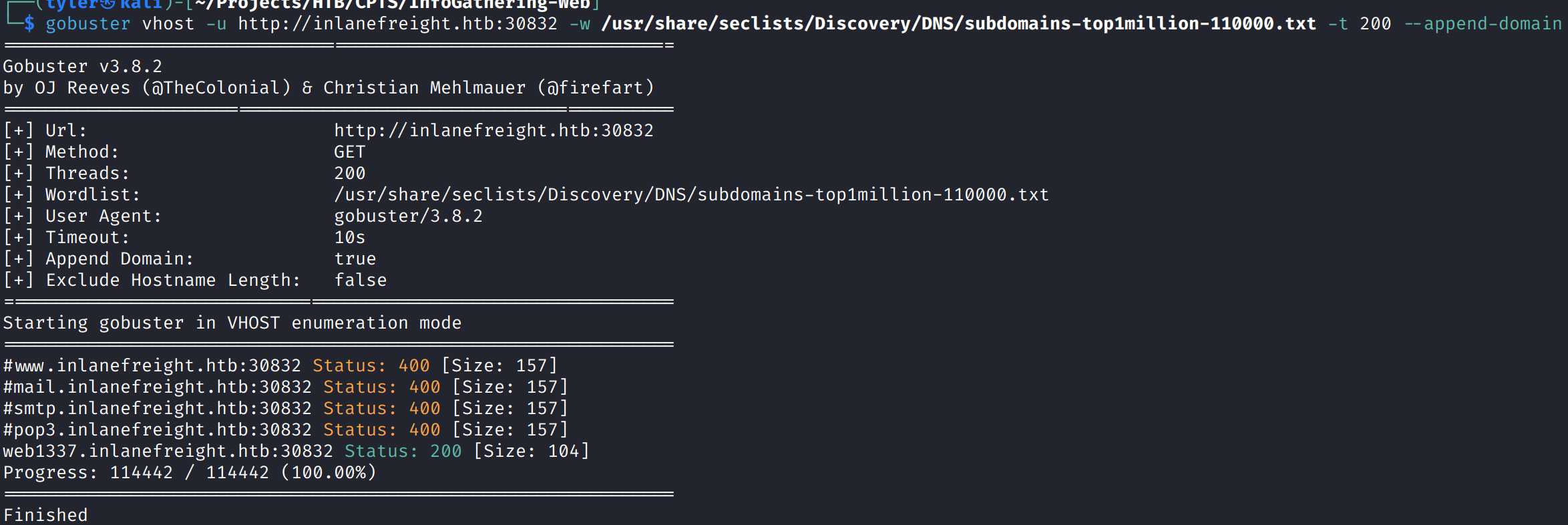
Given this particular website runs on a port, I suspected that we would need to enumerate vhosts. I used gobuster to do this. The initial 22000 wordlist did not return any results, but expanding to a larger wordlist revealed the web1337 vhost.
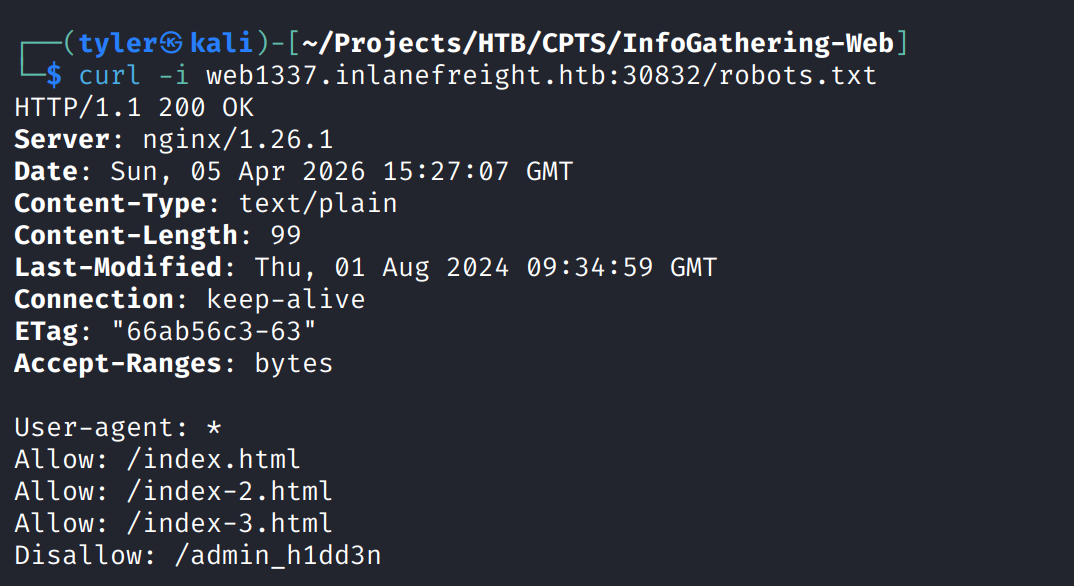
After adding the new domain to /etc/hosts, we fetched the headers of this domain to try curling the robots.txt file for this domain. Doing so revealed a hidden admin directory:
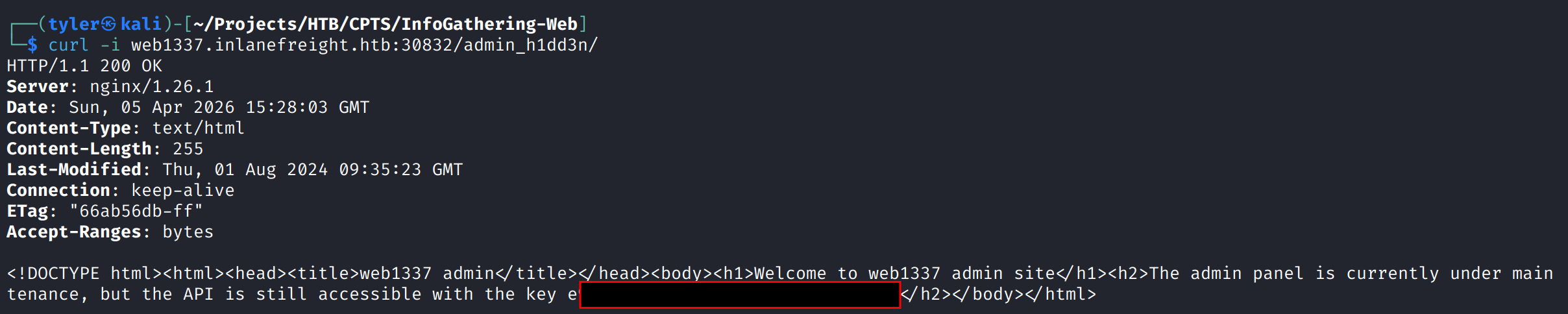
Grabbing this directory\’s root, we are able to find the API key:
Question 4: After crawling the inlanefreight.htb domain, what email address did you find?
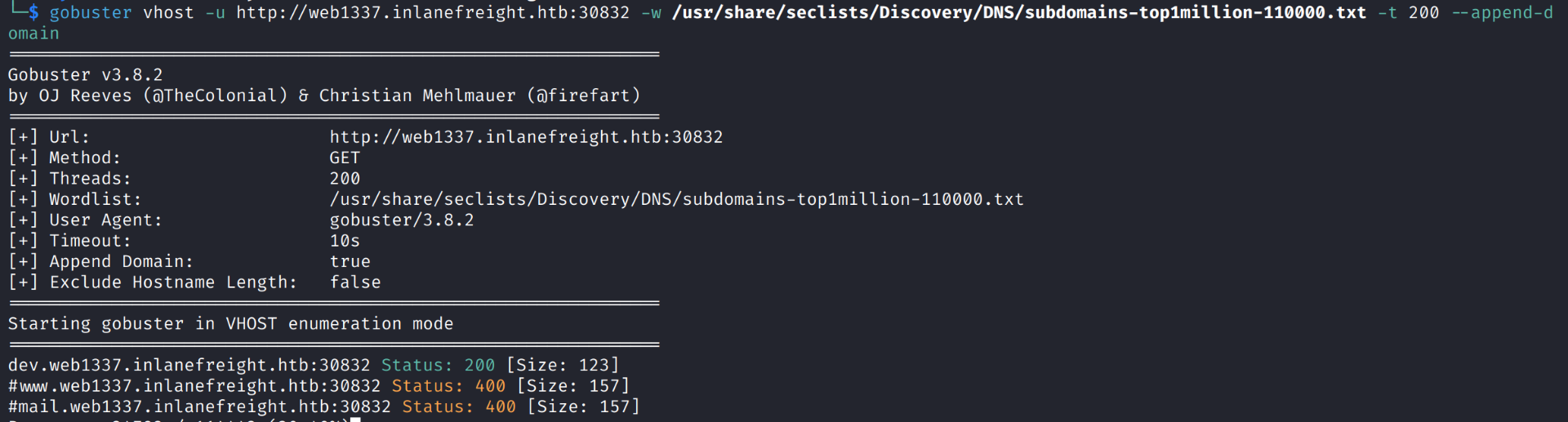
I initially tried using the ReconSpider script from the module, but this returned no results. This didn\’t work, so I decided to try and enumerate sub-domains for the web1337 subdomain and see if we find anything. This led us to dev.web1337.inlanefreight.htb.
After once again modifying our /etc/hosts, I tried to fetch robots.txt with no results. I then realized I hadn\’t run the crawler on this subdomain, so I ran the ReconSpider script here, which ended up finding the email in question:

Question 5: What is the API key the inlanefreight.htb developers will be changing to?
No additional work is needed, as this is also in our results.json, just further down:
