I imagine the overlap in the venn diagram between IT professionals and “giant nerds” is pretty significant. I’m certainly both, and one of my favorite hobbies is partaking in a good old-fashioned D&D 5e campaign. Over the years, my group has taken a liking to Foundry VTT, an amazing engine for hosting tabletop RPGs of all varieties. With some carefully curated modules, you can automate a ton of functionality to remove the toil of bookkeeping and focus on the fun bits: namely roleplaying and combat.
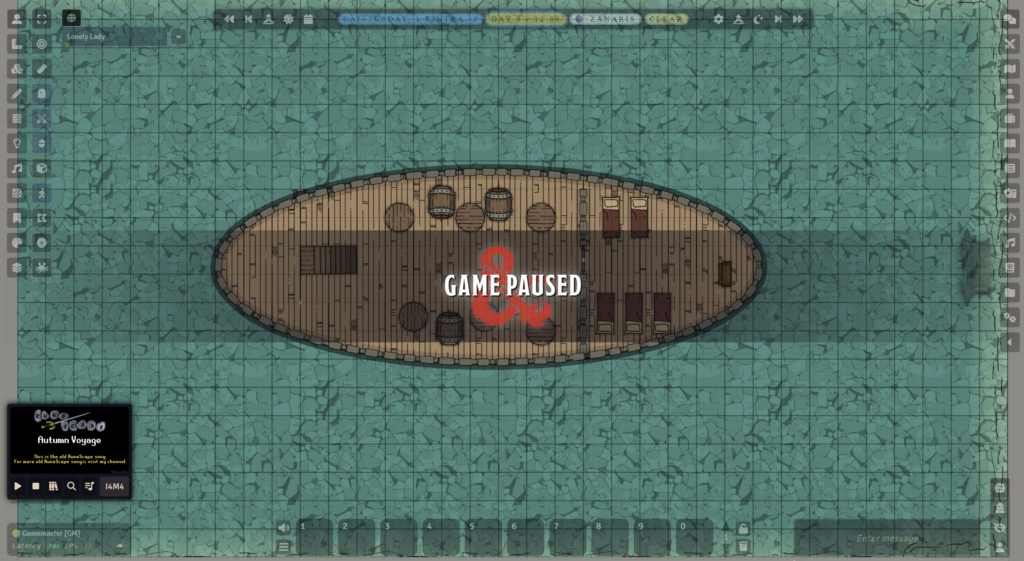
I’m usually the DM of our group. Some might consider this torture, but I actually quite enjoy the task of designing a story and world to facilitate it. That said, the work can be admittedly laborious — especially for a homebrew campaign. So many custom items, spells, and actors to create.
In an attempt to ease my suffering, I noticed that some people were selling Foundry AI tools that could hook up models to your world. I was initially tempted to spend the money, but unfortunately they all followed the trend of requiring a subscription. So after much self-convincing, I set about making my own.
And that’s exactly what I built. Foundry MCP is a local-only MCP (Model Context Protocol) server that connects any AI client — Claude, Cursor, or anything that speaks MCP — directly to a live Foundry VTT world. As of the writing of this post, it exposes 67 tools across 10 domains.
Design Decisions
There were a few requirements I wanted this tool to meet:
Local-only by design. While there are advantages to running things in the cloud, my use case only required it to run locally on my LAN. Your campaign data never leaves your machine. Future versions could potentially expand this to run via a domain in the cloud.
Discovery-first tool design. Tools are designed so the AI naturally discovers what it needs. It calls list-actors to find character IDs, then get-actor for details, then roll-attack with the right weapon. This mirrors how a human DM navigates Foundry.
Bidirectional sync. The Foundry module pushes data to the gateway, and the gateway pushes commands back. The AI always has a fresh snapshot of the world without polling Foundry directly.
System-aware. The D&D 5e tools know about proficiency, skill codes, and ability modifiers. When the AI rolls a Stealth check, it resolves the same way a player clicking the skill button would.
Architecture
The architecture is three layers, all running locally:
- A Foundry module (foundry-api-bridge) runs inside the browser. It connects via WebSocket to the gateway and pushes world data — actors, journals, scenes, items — every 30 seconds. It also listens for commands and executes them using Foundry’s API.
- A Python gateway (FastAPI + uvicorn) sits in the middle. It stores the latest world state in memory and forwards commands to Foundry through the WebSocket. This is the single source of truth the AI talks to.
- A Python MCP server exposes 67 tools over the Model Context Protocol. Any MCP-compatible AI client can connect via stdio or HTTP and start interacting with the game world.
67 Tools Across 10 Domains
The tool surface covers nearly everything a DM does:
- Actors — List, search, create, update, and delete characters and NPCs. Pull full character sheets with HP, AC, abilities, skills, and inventory.
- Combat — Create encounters, add combatants, roll initiative (individual or group), advance turns, mark defeated, end combat. The full encounter lifecycle.
- D&D 5e Rolls — Skill checks, saving throws, ability checks, attack rolls, damage rolls. All 18 skills, all 6 abilities, with proficiency baked in. Results post directly to Foundry’s chat log so players see them.
- Items — Full CRUD on actor inventory and world items. Use potions, cast spells, activate items with Midi-QOL targeting support.
- Journals — Create, read, update, and delete journal entries and pages. Organize into folders. Great for AI-generated session notes or lore.
- Tokens & Scenes — Place, move, and update tokens on the map. List and switch active scenes.
- Compendiums — Browse, search, and pull official content. Import monsters, spells, and items directly from SRD packs.
- Effects & Conditions — Toggle conditions like blinded, poisoned, or prone. Apply custom effects with stat modifications.
What This Actually Looks Like
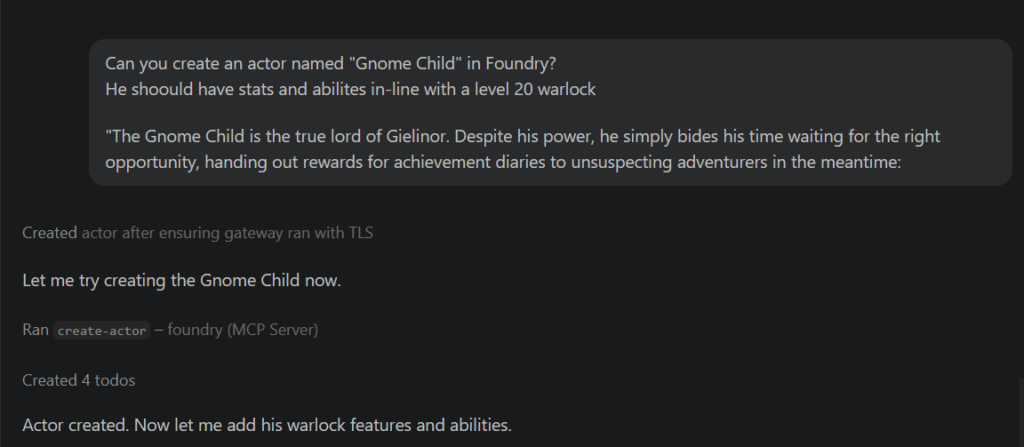
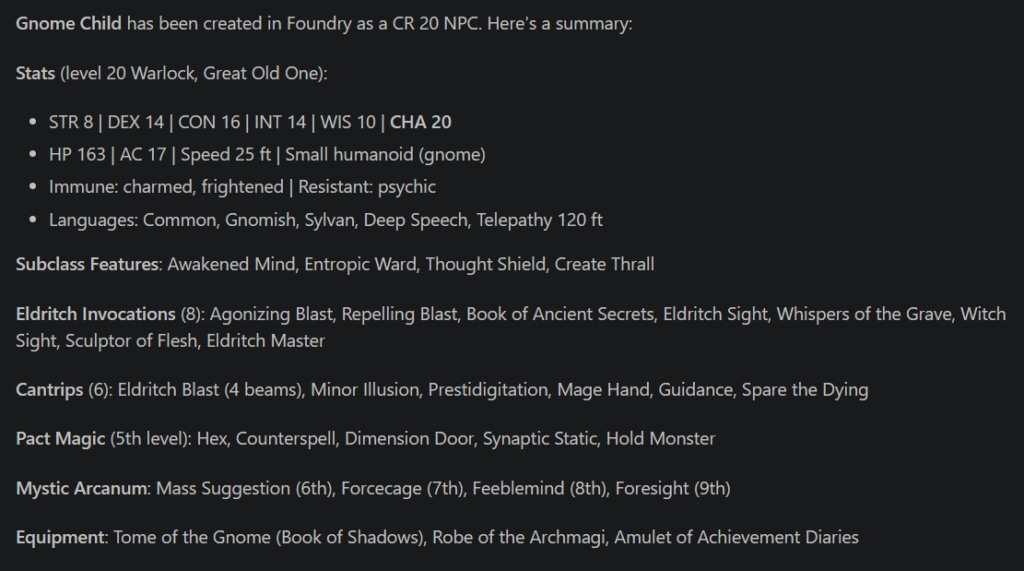
Below is an example where I use the Foundry MCP to create an actor:
Of course, we want to verify this was actually created in Foundry — and sure enough, there’s our Gnome Child actor:
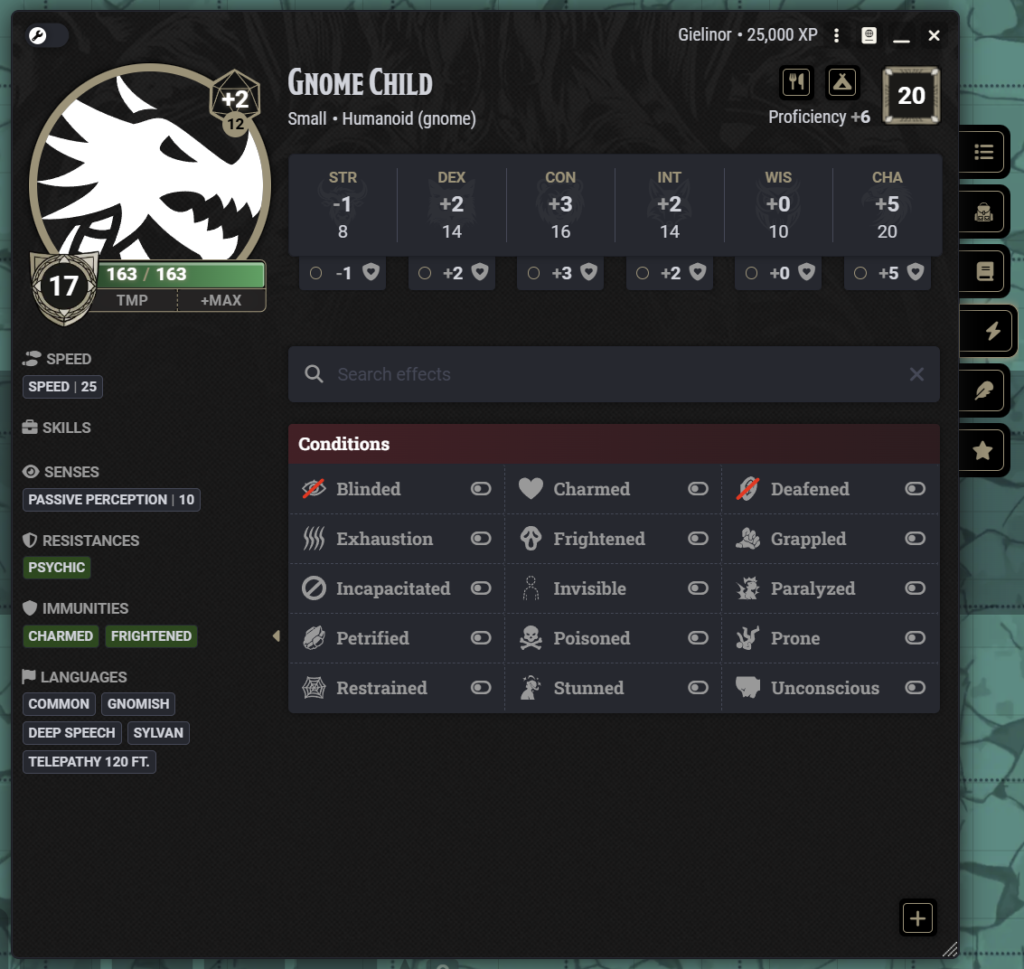
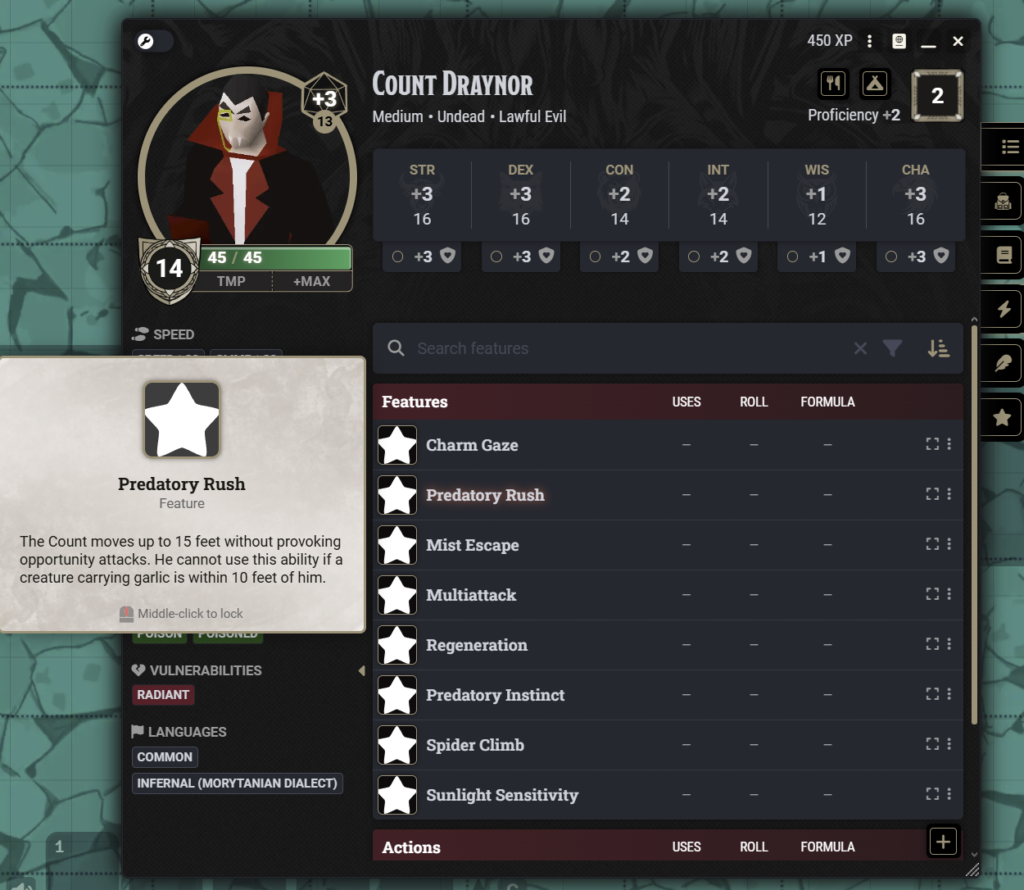
Anyone familiar with D&D knows a true Level 20 character would likely be much more powerful, but even with the need to tweak things, this is still a significant time-saver when creating custom characters. Below is an example of a Count Draynor boss I made for my own campaign, complete with custom abilities:
What’s Next
I’m actively developing Foundry MCP. The tool count keeps growing as I find new things I want the AI to handle — more granular token control, deeper system integration, and scene manipulation are all on the roadmap. The project is MIT licensed, so if you’re a Foundry VTT user who wants to experiment with AI-assisted gameplay — whether that’s solo adventures, automated encounter management, or just having a tireless assistant for session prep — feel free to check it out. You can the repo on Github here